
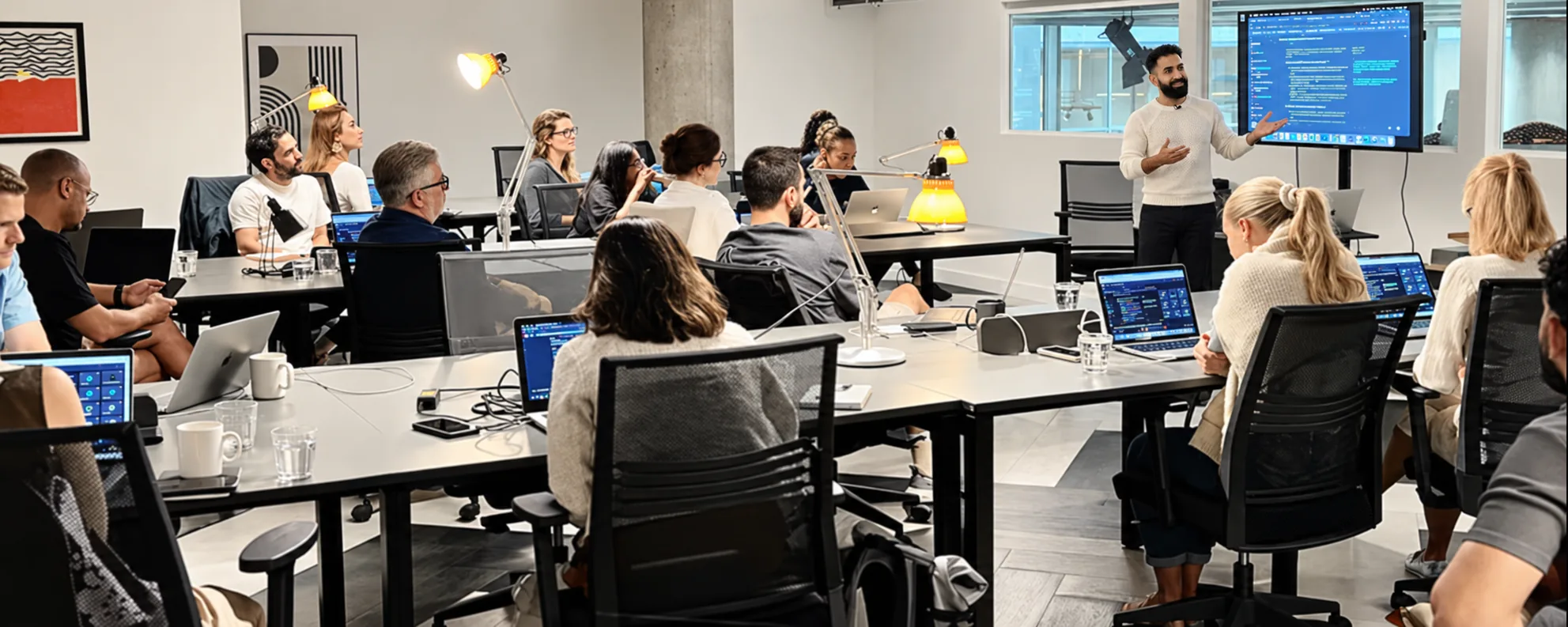
AI training on the tools your team already uses
Five courses, from first prompts to creative work and coding agents, taught on your team's own work.
Official partners





Choose a course
Five courses, in the order most teams take them. Pick one to see what it covers.
An introduction to generative AI in everyday work: clear instructions, suitable tasks and checking the results. It works across Gemini, Copilot, ChatGPT and Claude, and is the starting point before platform training.
AI essentialsBetter promptsEveryday workChecking outputsResponsible useYour first workflowSee the full course
 Gemini
 Microsoft Copilot
 ChatGPT
 Claude
AI Fundamentals
An introduction to generative AI in everyday work: clear instructions, suitable tasks and checking the results. It works across Gemini, Copilot, ChatGPT and Claude, and is the starting point before platform training.
Modules
- AI essentials
- Better prompts
- Everyday work
- Checking outputs
- Responsible use
- Your first workflow
Who it’s for: Teams, managers and business leaders starting to use AI in marketing, sales, administration or operations.
From a one-off session to daily use
Most AI training is forgotten within a week. Ours is built on the work your team does every day.
A one-off session
- Features covered in the abstract, then forgotten
- A few enthusiasts race ahead while the rest fall behind
- Bad prompting habits picked up early
- Licences bought, few people using them
In daily use
- Built on your team's own tasks and documents
- Shaped to each role, from leadership to developers
- Checking and safe-use habits from the first session
- Prompt libraries and a follow-up window once it ends
How training runs
Four steps, from a scoping call to habits that stick.
- 01
Understand
We learn how each team works
We find out which tools you use, how each team works and where confidence is strong or thin, before we design anything.
Hands overA session plan for each audience - 02
Tailor
We build sessions on real tasks
Exercises use your own documents, briefs and examples, so everything taught maps to daily work.
Hands overExercises on your own work - 03
Deliver
We run hands-on sessions
People apply AI to live work in the room, on-site or remote, and ask the questions that matter to them.
Hands overA trained team, role by role - 04
Embed
We check what sticks
Reference guides and a follow-up window keep habits in use. Then we review what was adopted and where to go next.
Hands overPrompt libraries and next steps per team
Training for each team
Pick a team to see the format we would suggest, or choose any format for any course.

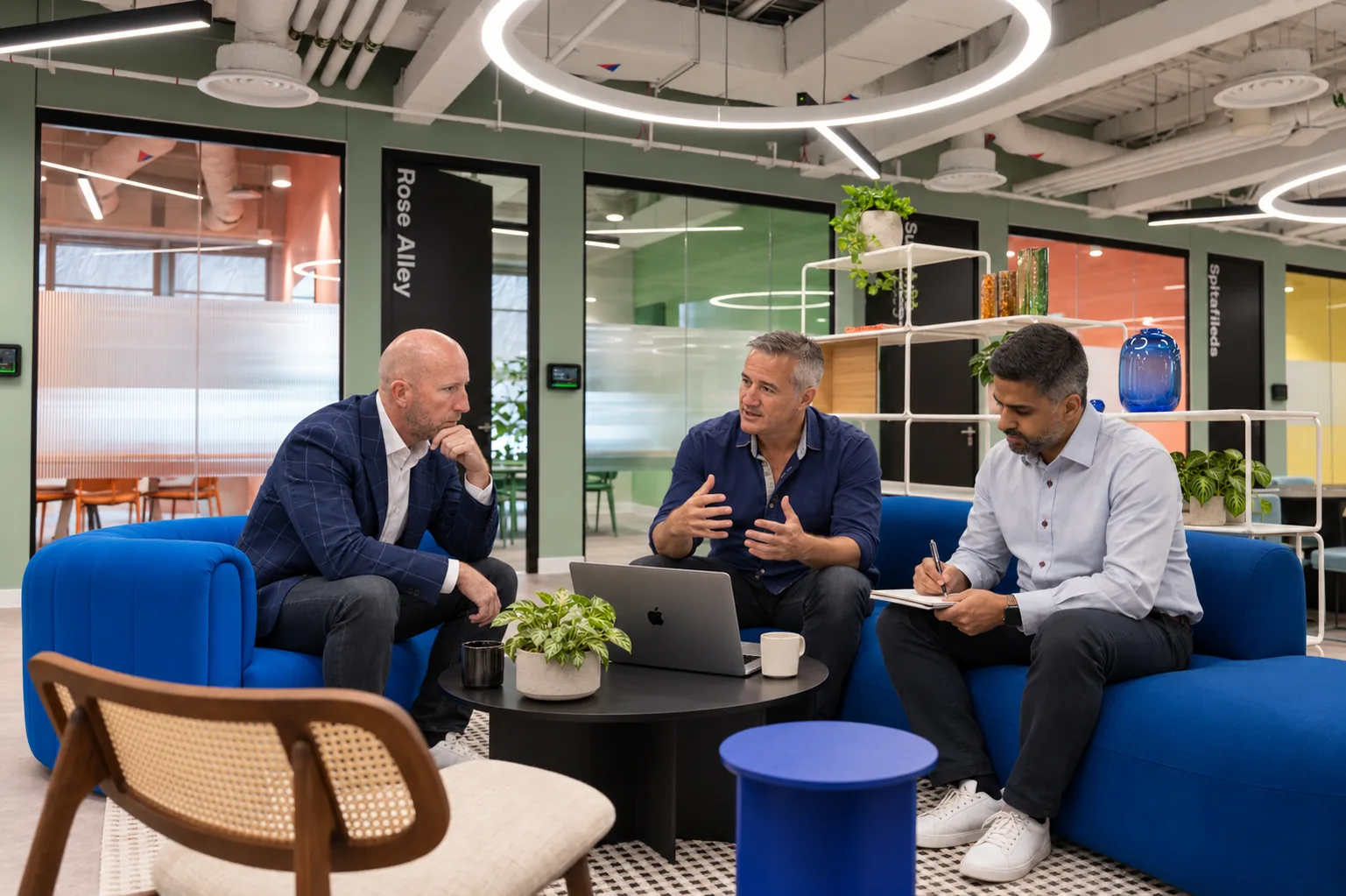


Team day
One day for a team on its own work, with a trainer in the room or on the call.
- Up to 20 people
- On-site or remote
- A prompt library and guides to keep
- Platform trainingBeginner to intermediate
- Advanced Platform trainingAdvanced
- AI CreativeImage, video and design
One day on your own briefs, content and creative, with a trainer in the room.
Every format works with every course.

What stays with your team
The things that keep new habits going after the session.
Prompt and use-case libraries
Role-specific prompts and use cases built in the session, so people start from what already works.
Quick-reference guides
Short guides for each tool and task, including what to check before an answer is used.
Next steps for each team
A follow-up support window and a recommended next step for every team, from further training to integration.
Client results
What changes when a team uses Claude on its own work.
“Having both brands in one place, with Claude understanding the difference between our two audiences, has changed how we work.”
Neil Shah, CEO, The Stress Management Society75%
Less time localising content
A knowledge base, three Claude Projects and a translation pipeline, live in under four weeks.
Read the case study<2 hrs
Per update, down from 6 to 8 hours
Time the team now puts back into programme delivery.
“PUSH is one of the most proactive agencies I have come across in the European market in my five years as head of Google EMEA. Their skillset in driving growth is unrivalled.”
Kartik Taneja, GM for Google EMEA partner agencies
Safe use in every course
Every course teaches your organisation's rules for confidential data and human approval, using only the tools and information you have approved.
We agree the data rules with you before any session. Sensitive material can be swapped or anonymised.
Approved tools
Only the tools and accounts your organisation has approved
Data rules
Clear rules on what can and cannot go into each tool
Output checks
A checklist for facts, sources, figures and tone
Human approval
A person signs off wherever the output matters
Who trains your team
The same people who build AI systems for clients, so hard questions get answers from practitioners.

 SteveCo-founder
 RickyCo-founder
 NataliaBusiness Director
 CharlieChief Innovation Officer
 JaiNew Business Director
 PaulManaging Director
 CimAI Consultant
 JoeAI Consultant
 FinnAI Account Executive
Your trainers
Awards
Award winners from Google and Microsoft six years in a row
 Innovative Agency of the YearUK Agency Awards 2026
 Google Mobile InnovationGlobal Award Winners
- Google Award for Highest Customer SatisfactionEuropean Award Winners
 Microsoft Advertising Independent Partner of the YearEuropean Award Winners
 Best Use of AI in SearchUK Search Awards 2025
- Best Use of AIUK Agency Awards 2025
- Microsoft Elite PartnerEuropean Award Winners
- Microsoft Advertising Account Team of the YearEuropean Award Winners
Member of and working with







Brands who trust us











Questions about training
Start with AI Fundamentals if your team is new to AI. If people already use an assistant every day, go straight to platform training for that tool. Advanced Platform training assumes confident everyday use.
01 / 08
Which course should we start with?
Start with AI Fundamentals if your team is new to AI. If people already use an assistant every day, go straight to platform training for that tool. Advanced Platform training assumes confident everyday use.
Ask us on a callBook a call about
AI training.
A short call about your team, the tools you use and which course fits.
Not sure where to start? Start with AI Fundamentals.