


 Image, video and design
AI Creative training
Image, video and design work with AI: briefing, generating, editing and checking assets against your brand before they go out.
Is this course for you?
For teams that make images, video and design assets and want AI in the process without losing the brand.
Who it’s for
Marketing, creative, design and content teams producing images, video and design assets.
Before you start
Comfortable with everyday AI prompting.
Bring a live brief, your brand guidelines and examples of approved assets. Use only the tools and assets your organisation has approved.
What the course covers
Seven hands-on modules, each practised on your own tasks and documents.
- 01
Creative AI essentials
What image, video and design tools can do today, and where people still lead.
- 02
Prompting for images
Brief a tool with subject, style, composition and references.
- 03
Editing & variations
Refine, extend and adapt assets for different formats and channels.
- 04
Video generation
Plan, generate and edit short video with clear review points.
- 05
AI in Figma design
Use AI features in Figma to explore layouts and speed up production.
- 06
Brand & quality checks
Check every asset against your guidelines before it is used.
- 07
Rights & responsible use
Check tool terms, usage rights and disclosure rules before publishing.
By the end, your team can
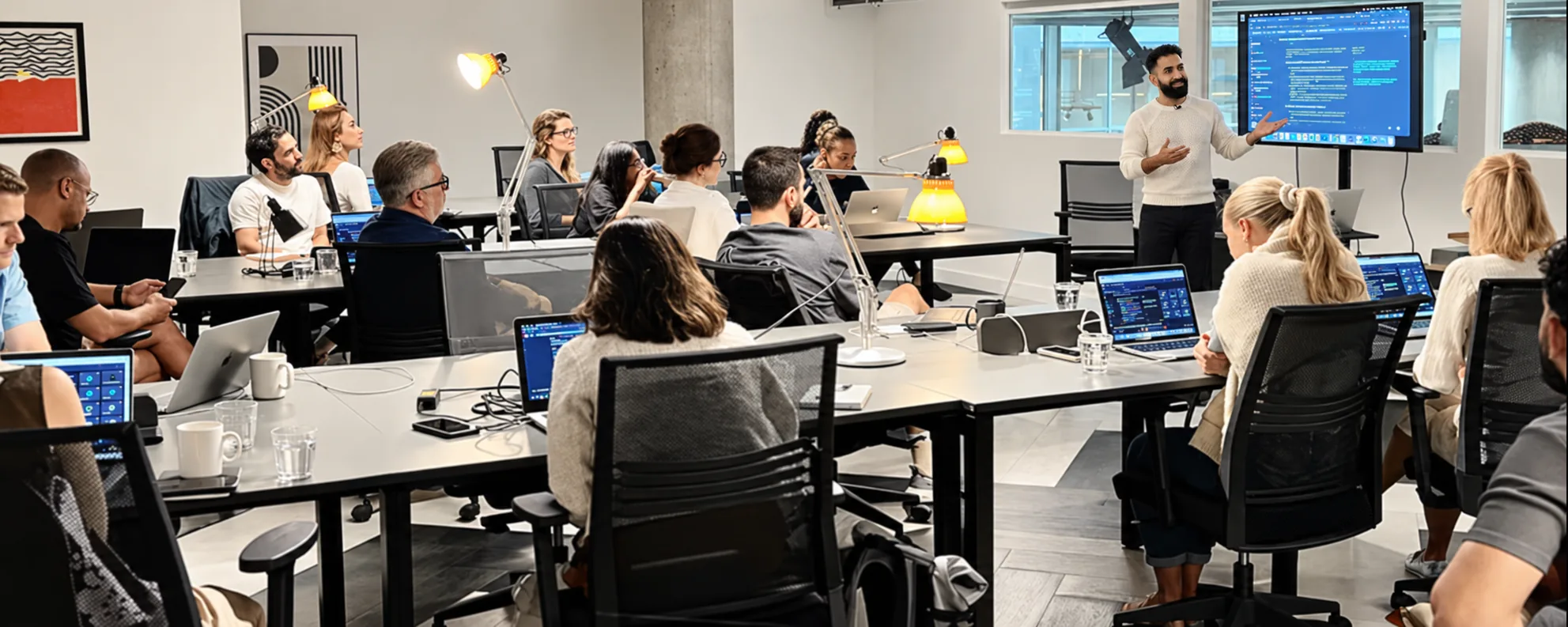
Each person leaves with a prompt library and quick-reference guide for the tasks they practised.
- Brief an AI tool for on-brand images and video
- Produce variations for different channels
- Speed up design work in Figma
- Check assets for brand, quality and rights before use
Ways to take this course
The same seven modules, run in the format that fits the people in the room.
 For a teamTeam dayOne day for a team on its own work, with a trainer in the room or on the call.Up to 20 peopleGet a training quote
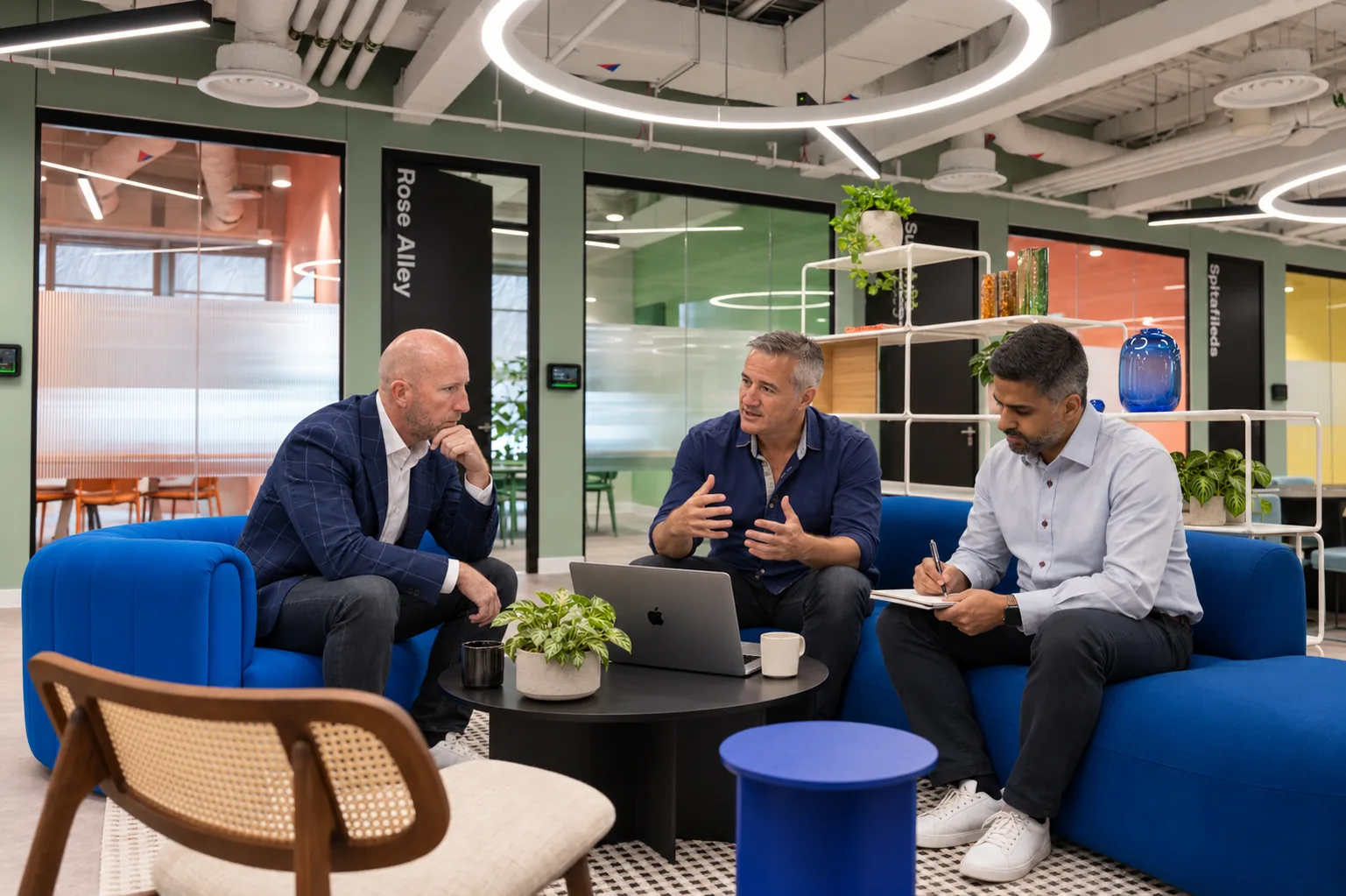 For a departmentMulti-session programmeRole-specific tracks across several sessions, with champions in each team.Several sessions, plus a follow-up windowGet a training quote
 For one personOne-to-one coachingA trainer works beside one person on their own tasks.Built around one person's weekGet a training quote
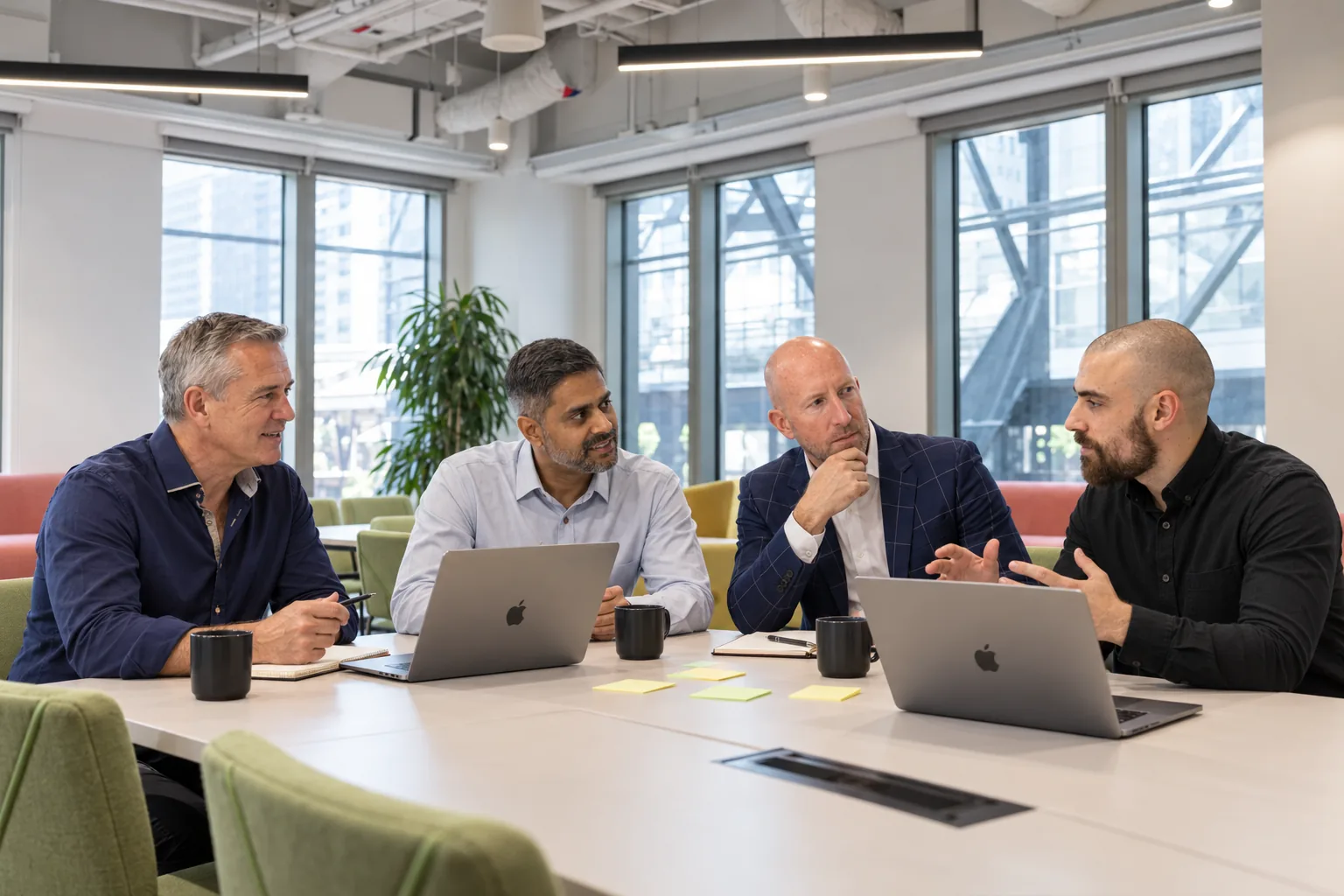 For leadershipExecutive programmeThe course for your leadership team, alongside where AI should sit in the business.Leadership teamGet a training quote
Course questions
Gemini, ChatGPT, Claude and Figma, limited to the tools and plans your organisation has approved. The skills transfer across most image and video tools.
No, though designers get the most from the Figma module. Marketers and content teams learn to brief, generate and check assets they can hand to a designer.
That depends on each tool's terms and your organisation's policy. The course covers how to check usage rights and disclosure rules before anything is published.
Where to go next
Build the workflows around your creative work, or bring more of the team up to speed.
 AdvancedAdvanced Platform trainingTurns useful prompts into repeatable business workflows in Gemini, Copilot, ChatGPT or Claude, with context design, reusable instructions and evaluation. No coding needed.View course
- Beginner to intermediatePlatform trainingHands-on training in the assistant your organisation has chosen: Gemini, Microsoft 365 Copilot, ChatGPT or Claude. Exercises match the features your plan includes.View course
- BeginnerAI FundamentalsAn introduction to generative AI in everyday work: clear instructions, suitable tasks and checking the results. It works across Gemini, Copilot, ChatGPT and Claude, and is the starting point before platform training.View course
Discuss training
for your team.
Tell us about your team’s experience, approved tools and the tasks you want to improve. We will help scope the right course.